 ctrlhq
Gift ctrlhq
Give someone a calmer workday.
ctrlhq puts their tasks and a running timer right in their Mac's notch, so tracking time finally sticks. You pay once, add a note, and we email them their key, gift-wrapped.
What they'll get
🎁 A gift for you
You sent you ctrlhq
Their license key
NOOK-•••••-•••••-•••••-•••••
How it works
Three steps, no wrapping paper.
- Step 1
Write a note
Add their email and, if you like, a few words. It's printed on the card they get.
- Step 2
Pay once
$19, one time. The receipt goes to you, so the price stays a secret.
- Step 3
They unwrap it
Their key arrives by email the moment you pay, with your note and how to set it up.
Who it's for
A small gift they'll see every day.
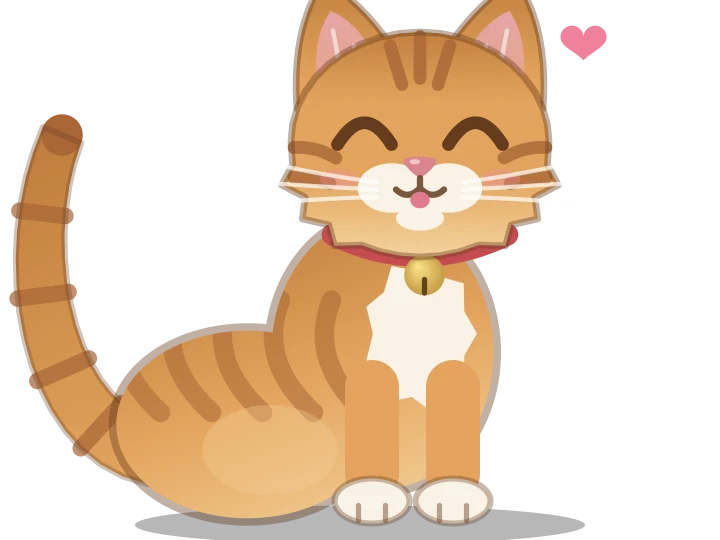
ctrlhq isn't another app to remember to open. It lives where they already look, with Nook, a little cat who naps when they're idle and cheers when they finish something. It works offline, with no account and no subscription.
- The freelancer who rebuilds timesheets from memory
- A student juggling study blocks and deadlines
- Your team, so standups start with real numbers
- Anyone with a MacBook and forty open tabs
Gift questions
When does the gift arrive?
Straight away. As soon as the payment goes through we email the key, gift-wrapped, to the address you gave. You'll also see the key on the confirmation page, in case you'd rather hand it over yourself.
Will they see what I paid?
No. The receipt goes to your email, and the gift email doesn't mention a price.
What do they need?
A Mac with macOS 26 Tahoe or later, Apple silicon or Intel. ctrlhq uses the notch if there is one and draws its own on other Macs. The key works on 1 Mac.
I typed the wrong email. What now?
Write to hello@ctrlhq.app with the right address and we'll send the key there.
Is it a subscription?
No. It's a one-time purchase, and lifetime updates. Refunds are available within 14 days, same as buying for yourself.