ctrlhq
Why we put a productivity app in the notch
Most to-do lists and timers fail the same way. After a week you stop opening them. Here's why ctrlhq lives in the one spot on your Mac you can't bury.
ctrlhq team · · 2 min read
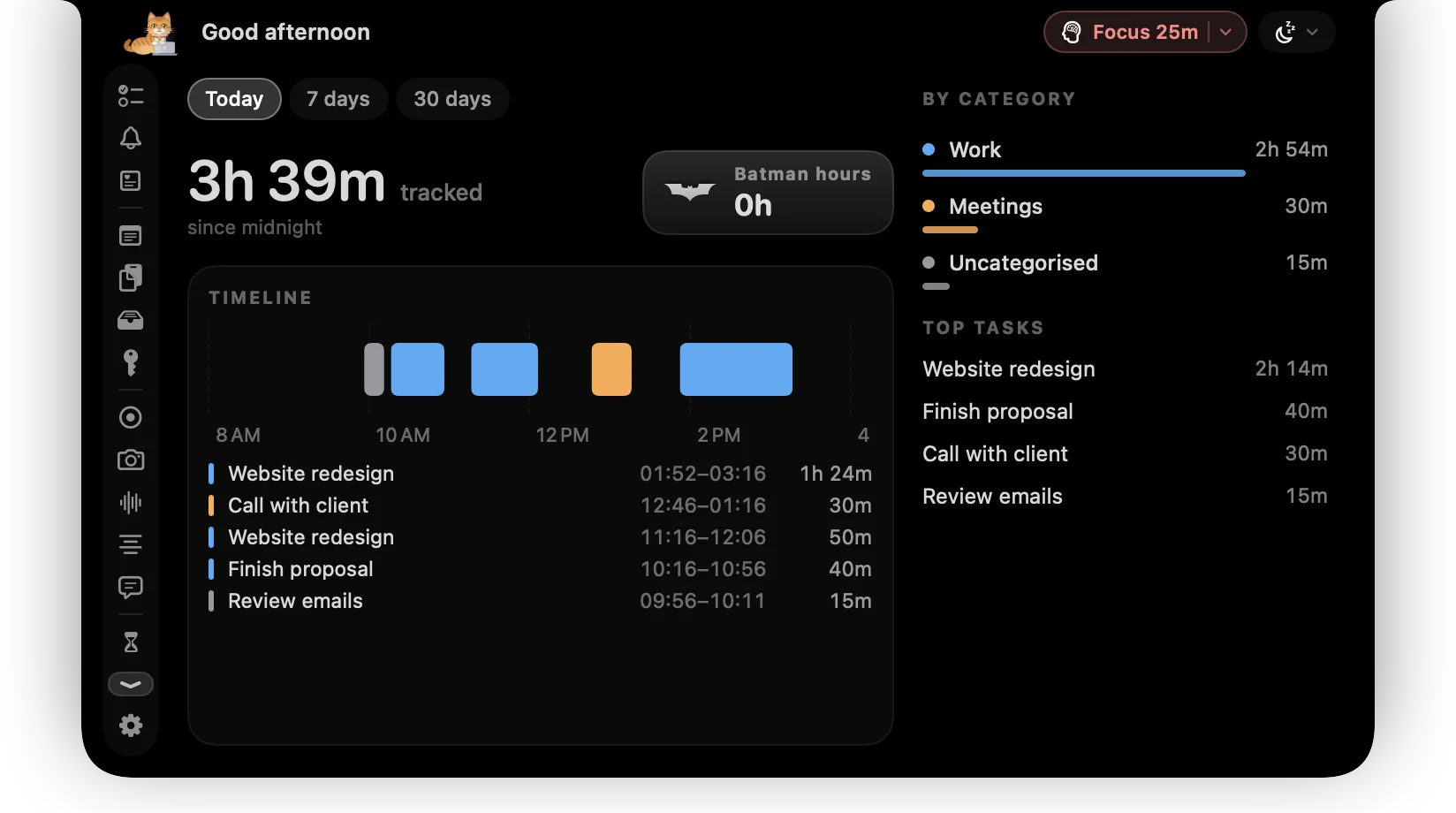
Every productivity app we've used failed in the same way. It wasn't missing features. It was missing attention. For the first few days the to-do list is open all the time. By week two it's behind four other windows, and the day runs on memory and guesswork again.
So we stopped asking which features a productivity app needs and started asking where it should live.
The one place you can't close
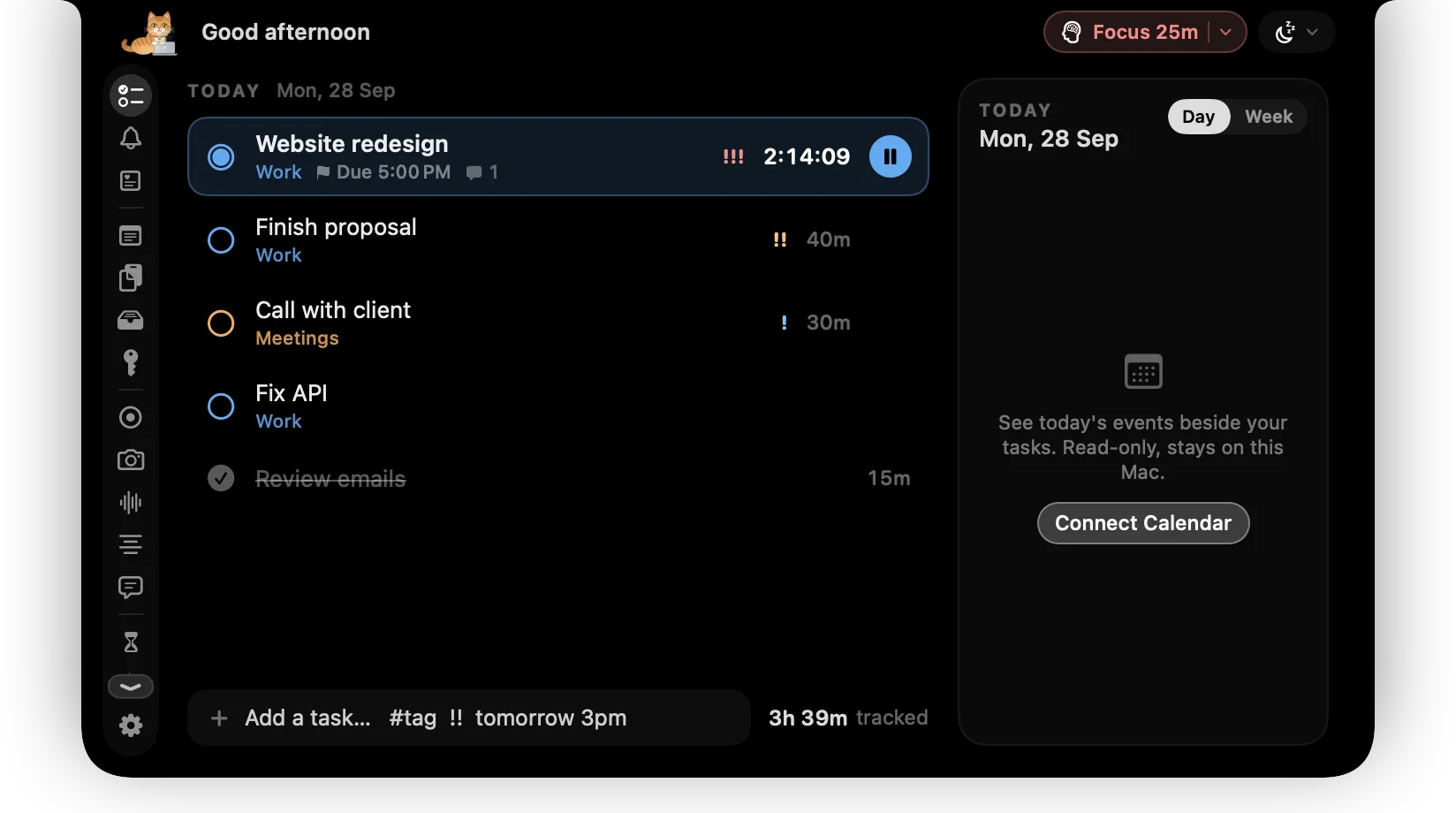
The notch at the top of a MacBook screen is dead space. Nothing can sit there, windows don't cover it, and you look past it hundreds of times a day. That makes it the right home for the two things you most need to see: your next task and the running timer.

Everything else (tasks, stats, focus, clipboard, the shelf) opens when you hover the notch and disappears when you move away. There's no dock icon to click and no window to find.
Capture has to be faster than forgetting
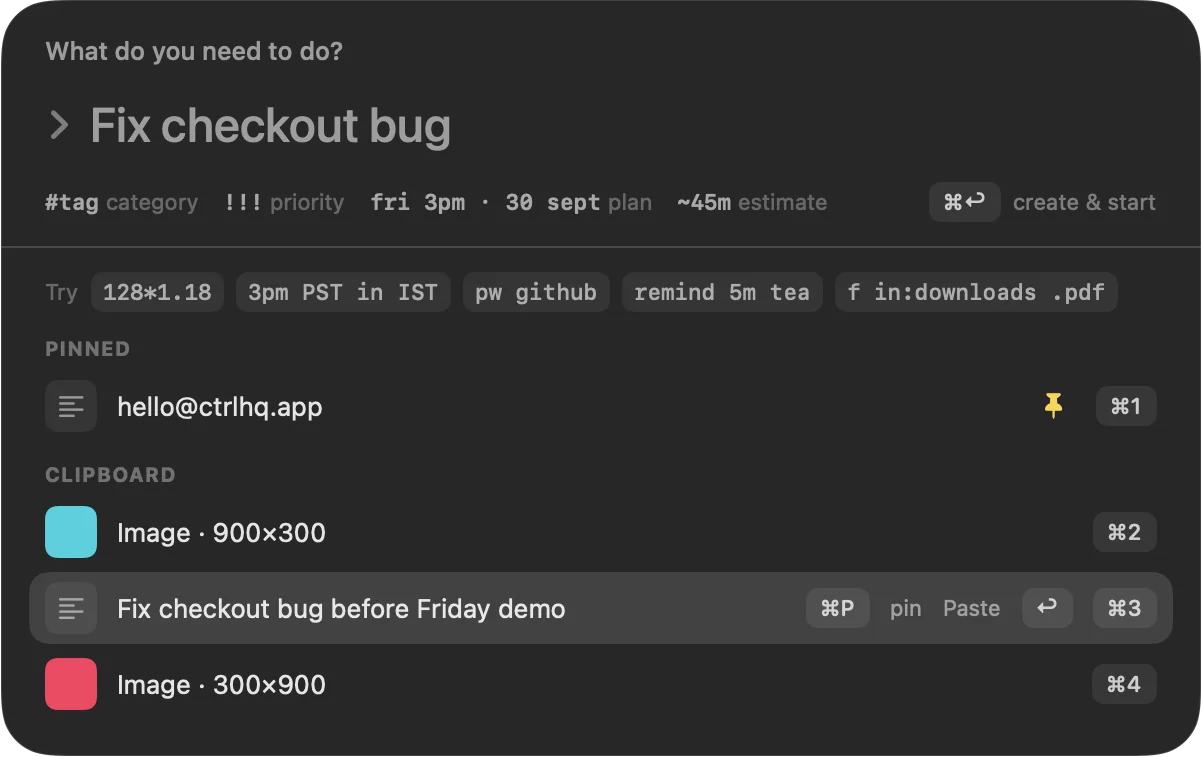
A task you meant to write down but didn't is the most common way a list goes stale. ctrlhq's capture field opens from any app with ⌘⇧Space, and one line carries everything:
Fix checkout bug #work !!! @tomorrow ~45m
That's the category, priority, day and estimate in a single line. Press return and you're back in whatever you were doing.
What we left out on purpose
Keeping ctrlhq visible only works if it stays small. So there's no mobile app, no web dashboard, no account and no cloud sync. Your tasks and time live in one JSON file on your Mac, and you can export them whenever you like.
A tool you look at every few minutes should feel like part of the Mac, not another service to log into.
Try it
ctrlhq runs on any Mac with macOS 26 or later. Macs without a notch get one drawn at the top of the screen. Get ctrlhq and see whether you still have it open a week from now. If you don't, you have 14 days to get your money back.
- productivity
- design