 ctrlhq
App Lock
Lock apps with Touch ID.
Messages, Photos, your bank. Locked apps stay hidden until you unlock them.
One-time purchase, lifetime updates
Already bought? Download
Lending your laptop or presenting from it shouldn't mean showing your messages or photos.
Choose apps to lock and ctrlhq keeps them hidden until you unlock them with Touch ID or your Mac password. Once you've been away from an app for a while, it locks again.
Try it
Messages
Touch ID to open
What you get
Touch ID or password
Unlock the same way you unlock your Mac.
Relocks by itself
After 1, 5, 15 or 60 minutes away, or when the app quits.
Any app
Pick from running apps or anything in Applications.
Works when ctrlhq is quit
A small background helper keeps locks on even if you quit or force-quit ctrlhq.
Questions
Can notifications from a locked app still show up?
Yes. App Lock hides the app's windows, not macOS notifications, so a banner can show its text. To hide that, set the app's notification previews to Never in System Settings → Notifications.
Is this full security?
It's a privacy screen for shared or presented Macs, not a replacement for a separate user account.
Also in the notch
All featuresScreen time
App usage for today and the last 7 days, your battery's health, and how fast it's charging.
Learn moreKeyboard shortcuts
Global shortcuts for everything you do often. They work in any app and can all be rebound.
Learn moreNook the cat
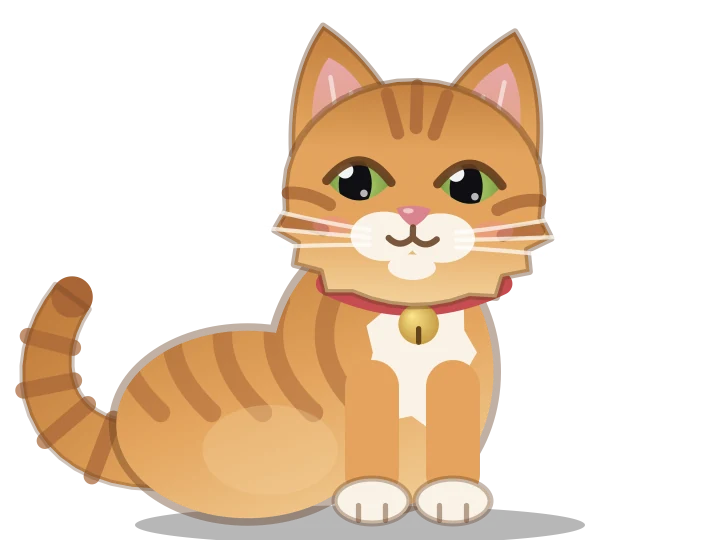
Nook naps when you're idle, types when you do, and cheers when you finish something.
Learn more

App Lock, and everything else.
Every feature is in one app, for one price: $24.99₹1,499 once, no subscription.
One-time purchase, lifetime updates
Already bought? Download
macOS 15 Sequoia or later · Apple silicon & Intel