 ctrlhq
Screen time
Which apps actually ate your day.
App usage for today and the last 7 days, plus your battery's health.
14-day money-back guaranteeAlready bought? Download
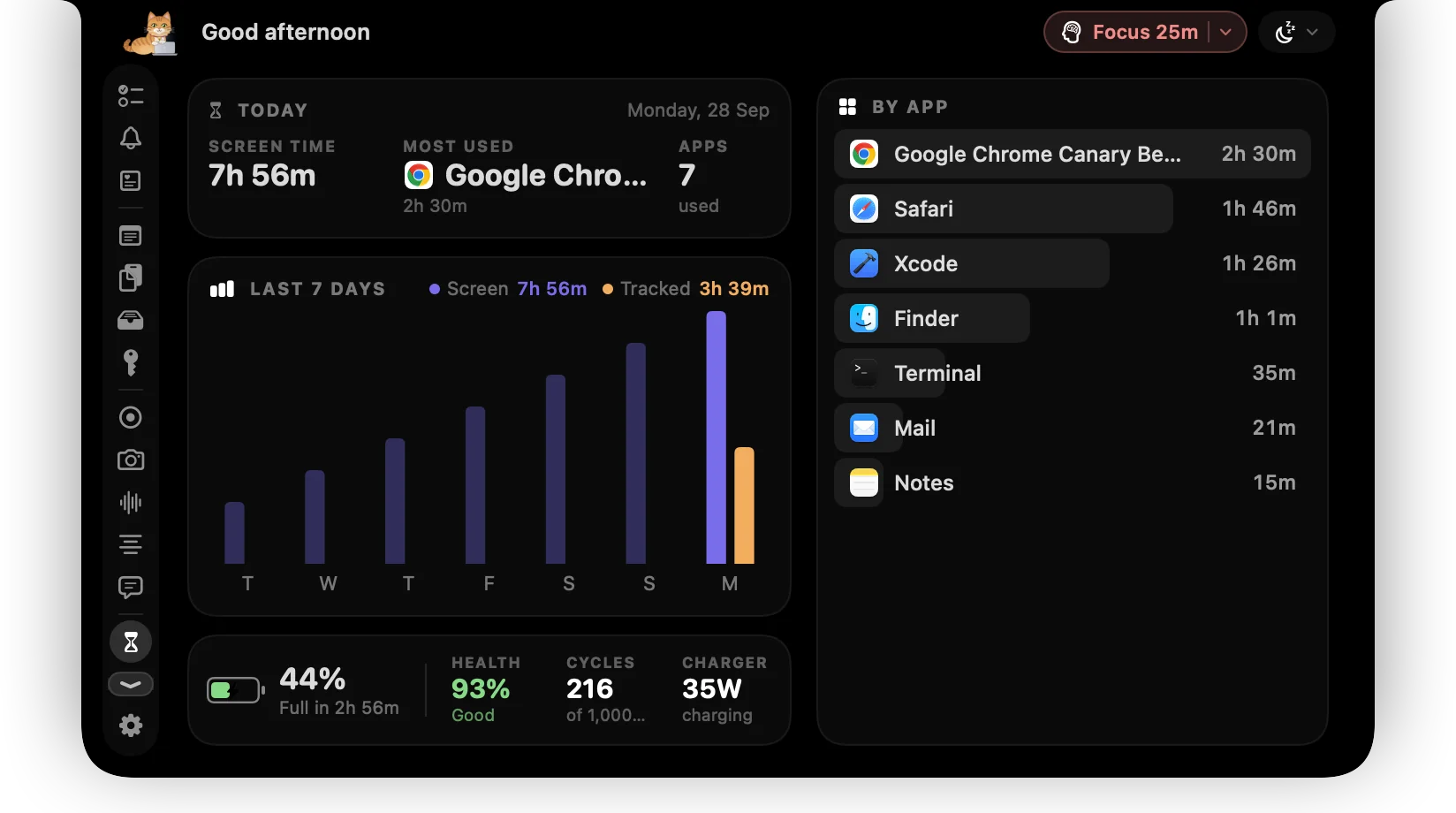
Time tracking tells you what you meant to work on. Screen time tells you where your attention actually went.
ctrlhq counts time in each app while you're at your Mac and shows it next to a 7-day chart and your battery's health.
What you get
Per app
Today's time in each app, most used first.
Last 7 days
A week at a glance, to spot the trend.
Battery health
Cycle count and capacity, without digging through System Information.
Lock from here
Tap the lock beside any app to put it behind Touch ID.
Questions
Is my usage sent anywhere?
No. Usage is counted and stored on your Mac only.
Also in the notch
All featuresApp Lock
Messages, Photos, your bank. Locked apps stay hidden until you unlock them.
Learn moreDisk cleanup
One scan shows what's safe to clear, what's worth a look, and the biggest files and folders on your Mac.
Learn moreAI usage limits
Claude Code and Codex plan limits side by side: the 5-hour window, the weekly cap and when each resets, for every account you use.
Learn more

Screen time, and everything else.
Every feature is in one app, for one price: $19 once, no subscription, and a full refund within 14 days if it isn't for you.
14-day money-back guaranteeAlready bought? Download
macOS 26 Tahoe or later · Apple silicon & Intel