 ctrlhq
Duplicate finder
Files that exist twice, confirmed byte for byte.
Every match is a full SHA-256, never a guess from a name. Keep the first copy and stage the rest in one click.
14-day money-back guaranteeAlready bought? Download
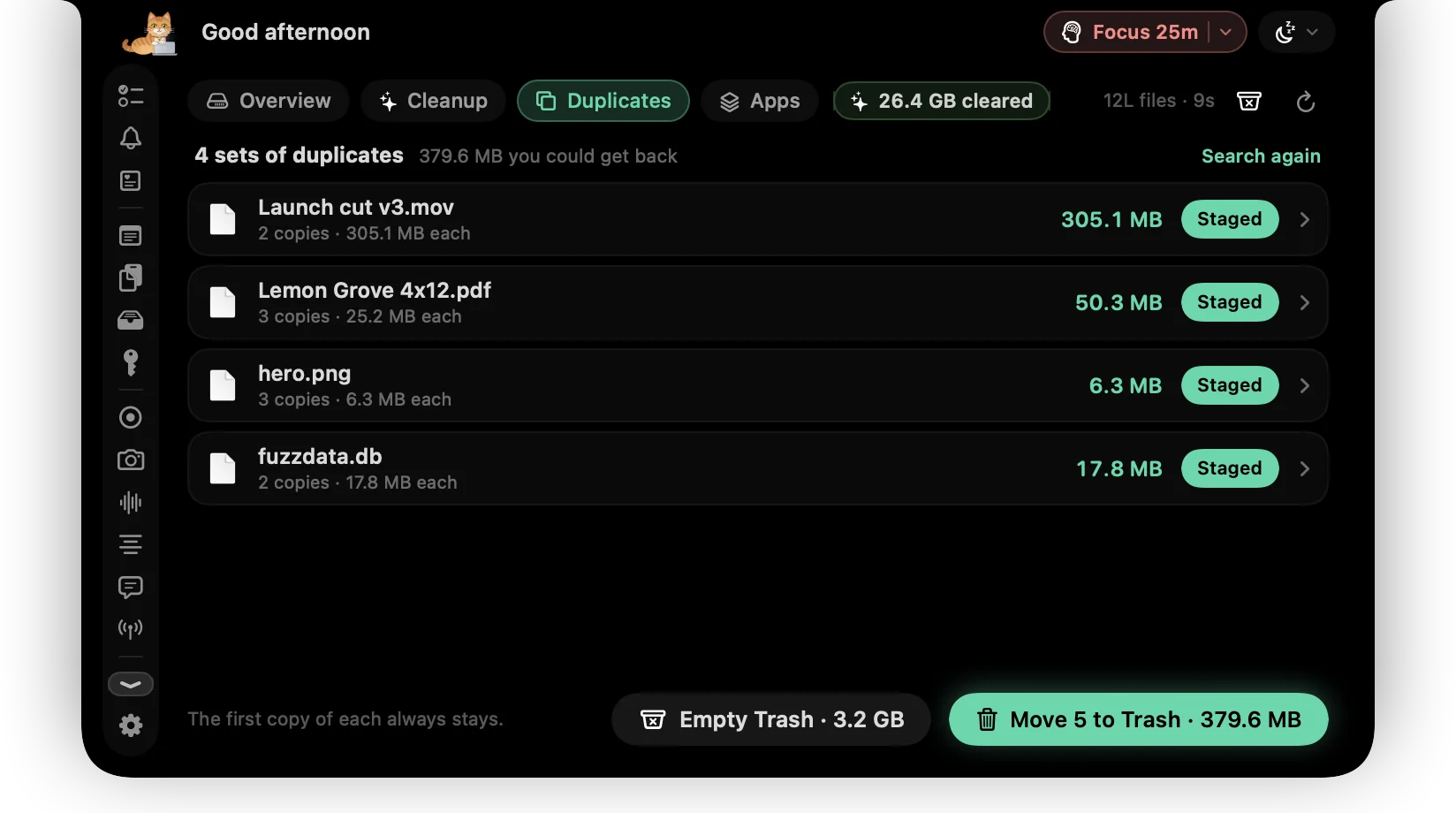
The same PDF in Downloads, on the Desktop and in a client folder. The same video exported twice. Duplicates pile up quietly.
ctrlhq compares files of the same size in two quick passes, then confirms every match with a full SHA-256 hash. It keeps the oldest copy and stages the rest for the Trash.
What you get
Confirmed byte for byte
Two quick passes over the first and last bytes, then a full SHA-256. Names don't matter.
Keep one, stage the rest
The oldest copy is kept. Stage the others for a whole set in one click, or pick copies yourself.
APFS clones spotted
Copies that share their storage on APFS free nothing when deleted, so ctrlhq marks them and leaves them out of the total.
Hard links left alone
Two names for the same file aren't counted as a duplicate.
Choose a minimum size
Only look at files over 100 KB, 1 MB, 10 MB or 100 MB.
Your files, not app data
ctrlhq skips ~/Library, app bundles, node_modules and hidden folders, where copies are there on purpose.
Questions
Which copy does ctrlhq keep?
The oldest one, by creation date. You can see every copy and change what's staged before anything moves.
Are duplicates deleted?
They're moved to the Trash, so you can drag them back out if you need to.
Also in the notch
All featuresDisk cleanup
One scan shows what's safe to clear, what's worth a look, and the biggest files and folders on your Mac.
Learn moreApp uninstaller
Uninstall an app and everything it left behind, see what it did all day, update it, and stop it starting at login.
Learn moreFile shelf
Drop files on the notch to hold them. Drag them out later, or AirDrop them in one move.
Learn more

Duplicate finder, and everything else.
Every feature is in one app, for one price: $19 once, no subscription, and a full refund within 14 days if it isn't for you.
14-day money-back guaranteeAlready bought? Download
macOS 26 Tahoe or later · Apple silicon & Intel