 ctrlhq
Scratchpad
A notepad that's one hover away.
Rich-text notes that save as you type. For phone numbers, snippets and half-formed thoughts.
14-day money-back guaranteeAlready bought? Download
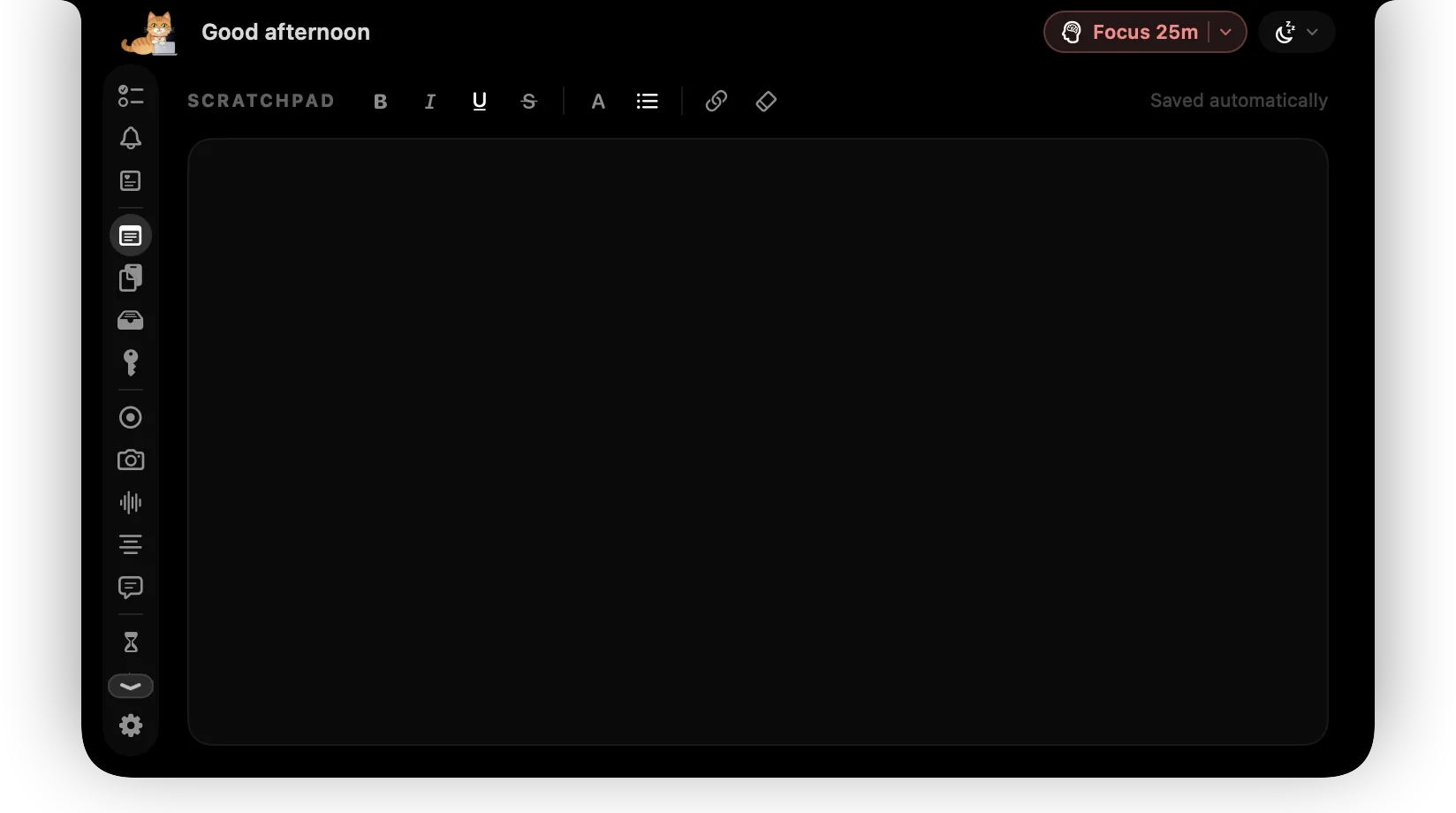
Some notes don't deserve a document: a phone number, an order ID, the three things to say in the next call.
ctrlhq's scratchpad is always one hover away. Write, format, and move on. It saves as you type, so there's nothing to name or file.
What you get
Rich text
Bold, italic, underline, strikethrough, headings and bullet lists when you want structure.
Saves as you type
No save button and no file to name. It's there next time you hover.
Stays on your Mac
Like everything in ctrlhq, notes are stored locally.
Questions
Can I have more than one note?
The scratchpad is a single page on purpose. For longer notes, use your notes app.
Also in the notch
All featuresClipboard history
Searchable clipboard history for text and images. ⌘⇧V opens it in any app.
Learn morePower tool
⌘⇧Space from any app. Type a task, a sum, a file name, a reminder or an app, press Return, and you're back where you were.
Learn moreFile shelf
Drop files on the notch to hold them. Drag them out later, or AirDrop them in one move.
Learn more

Scratchpad, and everything else.
Every feature is in one app, for one price: $19 once, no subscription, and a full refund within 14 days if it isn't for you.
14-day money-back guaranteeAlready bought? Download
macOS 26 Tahoe or later · Apple silicon & Intel