Screen recording
Loom, minus the upload.
Record a screen or one window with your face in a bubble, your mic and your Mac's audio.
14-day money-back guaranteeAlready bought? Download
Shortcut ⌃⌥R
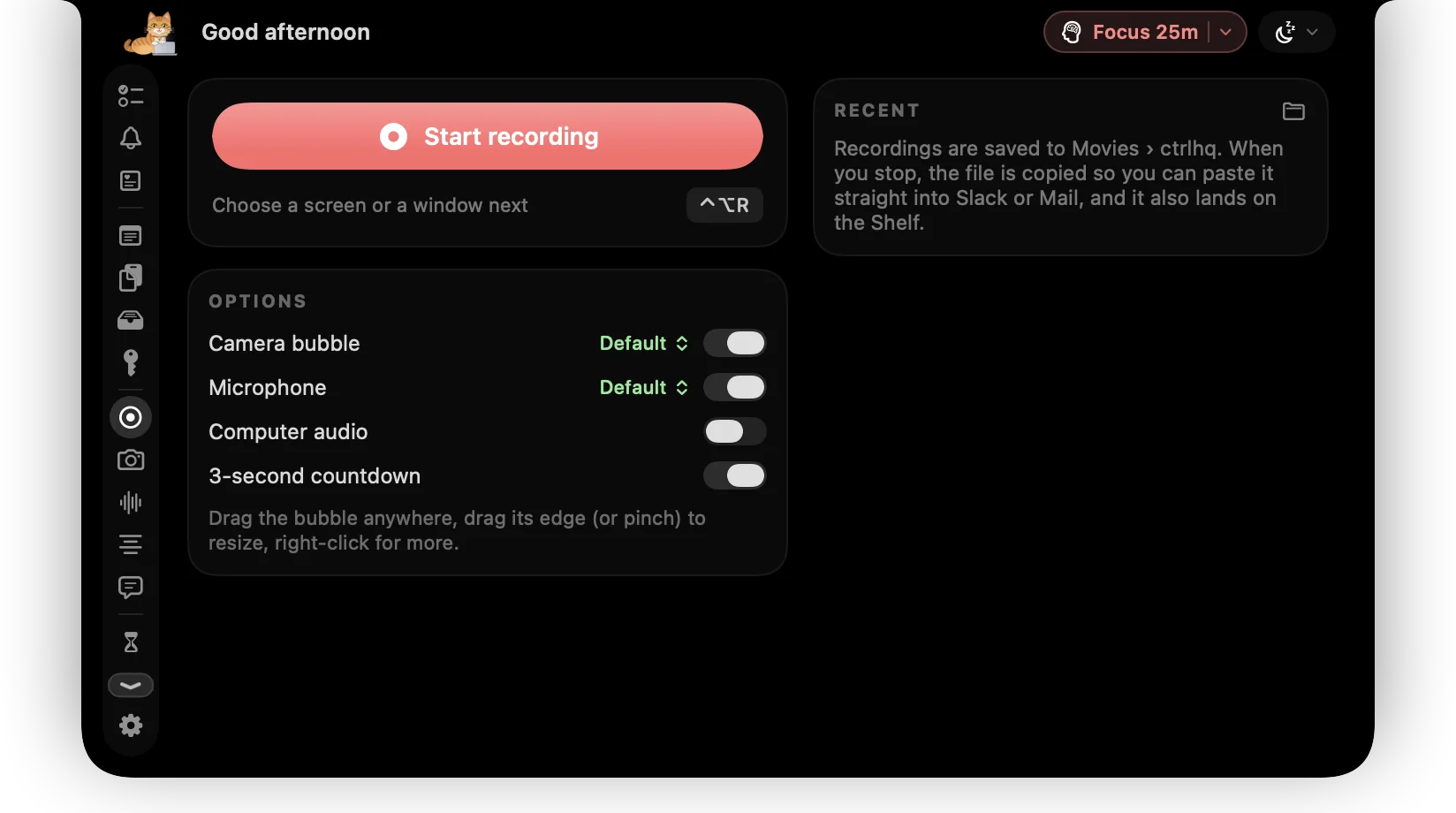
Walkthroughs, bug reports and quick demos are faster as a video than a wall of text. But most recorders want an account and an upload.
ctrlhq records straight to an .mp4 on your Mac and puts it on your clipboard, ready to paste into Slack, Mail or an issue.
Try it

Screen or window
mic + system audio
What you get
Screen or window
Capture a whole display or just one window.
Camera bubble
Your face in a round camera bubble on top of the recording.
Mic and Mac audio
Record your voice, your Mac's sound, or both.
Pause and resume
Take a breath without starting over.
Straight to your clipboard
The .mp4 is saved in Movies/ctrlhq and copied, so you can paste it right away.
Questions
Is there a time limit or watermark?
No. Recordings are yours, stored on your Mac.
Where are recordings saved?
In Movies/ctrlhq, and on the shelf so you can drag them out.
Also in the notch
All featuresMeeting notes
ctrlhq notices a call and offers to take notes. Transcribed on-device, with a summary and action items.
Learn moreTeleprompter
Your notes scroll right under the camera, so you never glance away mid-sentence.
Learn moreFile shelf
Drop files on the notch to hold them. Drag them out later, or AirDrop them in one move.
Learn more

Screen recording, and everything else.
Every feature is in one app, for one price: $19 once, no subscription, and a full refund within 14 days if it isn't for you.
14-day money-back guaranteeAlready bought? Download
macOS 26 Tahoe or later · Apple silicon & Intel